
Back to all postsiPhone
iPhone 18 Pro Setup Guide: How to Get Started
John
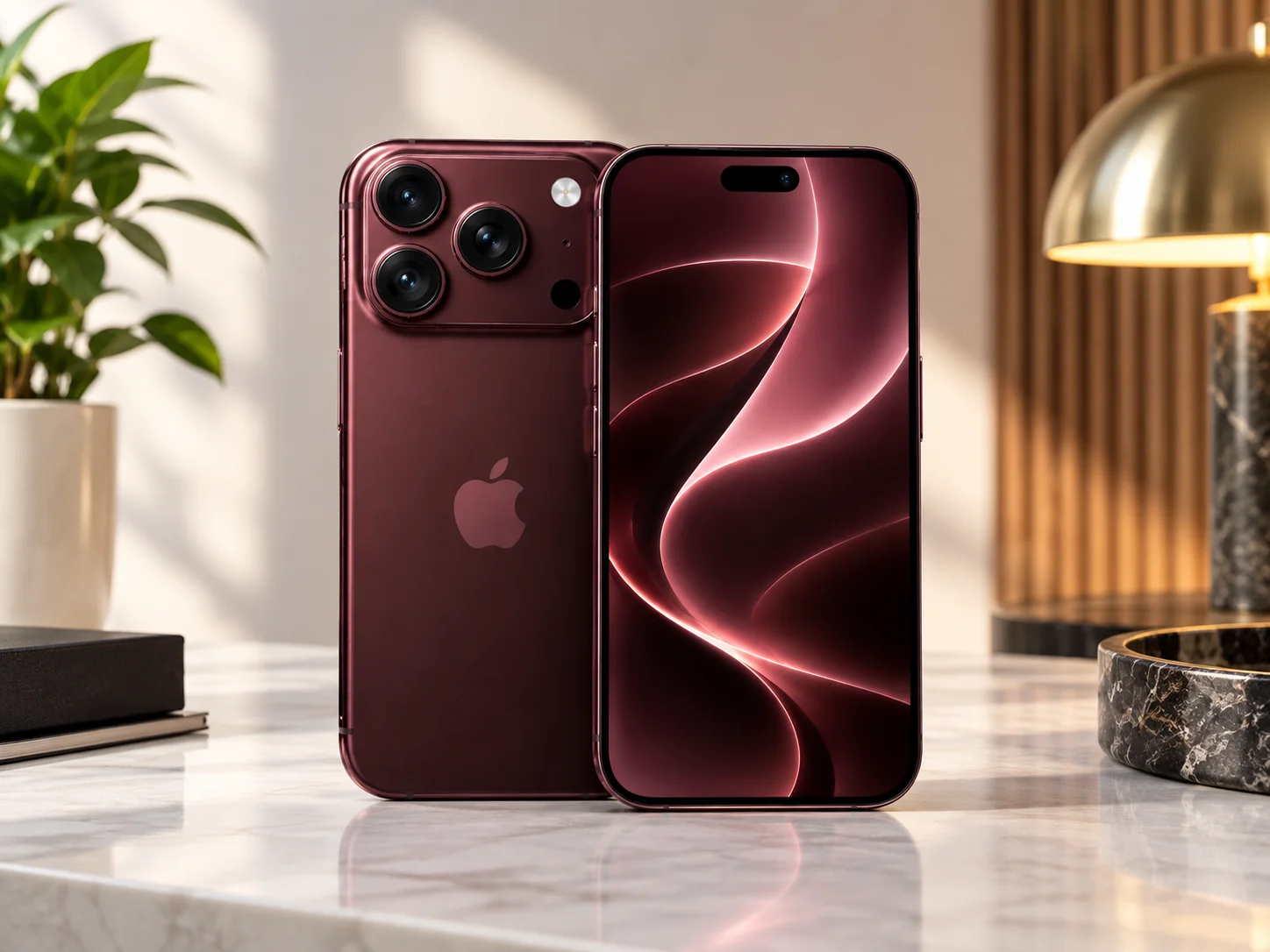
Getting a new iPhone 18 Pro or iPhone 18 Pro Max is exciting, but setting up a new device properly can make the transition much easier. Apple’s latest Pro models are now available, bringing a new camera system, improved performance, longer battery life, and other upgrades.
If you have just purchased an iPhone 18 Pro or iPhone 18 Pro Max, here is a step-by-step guide to get everything ready.
1. Turn On Your iPhone 18 Pro
Press and hold the side button until the Apple logo appears.
After the phone starts, you will see the setup screen. Select your preferred language and region, then continue through the initial setup instructions.
2. Use Quick Start
If you are upgrading from another iPhone, place your old iPhone near the new iPhone 18 Pro.
The Quick Start feature can help transfer your settings and personal information from your previous iPhone to the new device.
Keep both iPhones close together and connected to power if the transfer takes a long time.
3. Connect to Wi-Fi
Choose your Wi-Fi network and enter the password.
A reliable Wi-Fi connection is recommended because your iPhone may need to activate the device, download software, and restore your data.
4. Sign In With Your Apple Account
Enter the credentials for your Apple Account when prompted.
Signing in allows you to access services such as iCloud, the App Store, Apple Music, Photos, Messages, and other Apple services.
5. Set Up Face ID
Follow the on-screen instructions to scan your face and configure Face ID.
Face ID can then be used to unlock your iPhone and authenticate supported purchases and apps.
6. Transfer or Restore Your Data
During setup, you can choose how you want to move your information to the new iPhone.
You can transfer data directly from another iPhone or restore your information from an iCloud backup.
If you are moving from an older iPhone, make sure your important photos, messages, contacts, and other information have been backed up before completing the transfer.
7. Check for a Software Update
After completing the initial setup, open:
Settings → General → Software Update
Apple's latest iPhone 18 Pro models may require a software update during setup. Reports indicate that launch devices shipped with a software build newer than the initial public iOS 27 release, so checking for updates is an important first step.
8. Set Up Apple Pay
Open the Wallet app and add your eligible credit or debit cards.
Follow your bank or card issuer's verification instructions to complete the setup.
Once configured, Apple Pay can be used at supported locations and for eligible online purchases.
9. Customize Your iPhone
Now is a good time to personalize your new iPhone.
You can customize your Lock Screen, Home Screen, widgets, notifications, Control Center, Focus modes, and other settings.
You can also review which apps have access to your location, photos, microphone, camera, and other permissions.
10. Explore the New Camera
One of the major upgrades on the iPhone 18 Pro is its camera system.
Apple says the new 48MP Fusion Main camera includes variable aperture, giving users additional control over photography. The Camera app also includes new Pro controls for customizing the shooting experience.
Take some time to explore the new camera controls and settings after completing your setup.
Final Thoughts
Setting up your iPhone 18 Pro does not have to be complicated. Quick Start makes it easier to move from an older iPhone, while iCloud can help restore your important information.
After transferring your data, checking for software updates, configuring security and payment features, and customizing the device, your new iPhone 18 Pro should be ready for everyday use.
Whether you purchased the iPhone 18 Pro or the larger iPhone 18 Pro Max, spending a few extra minutes on the initial setup can help you get the most from Apple's latest Pro iPhone.


