
Back to all postsMacBook
macOS 27 Golden Gate: 11 New Features That Change the Mac Experience
John
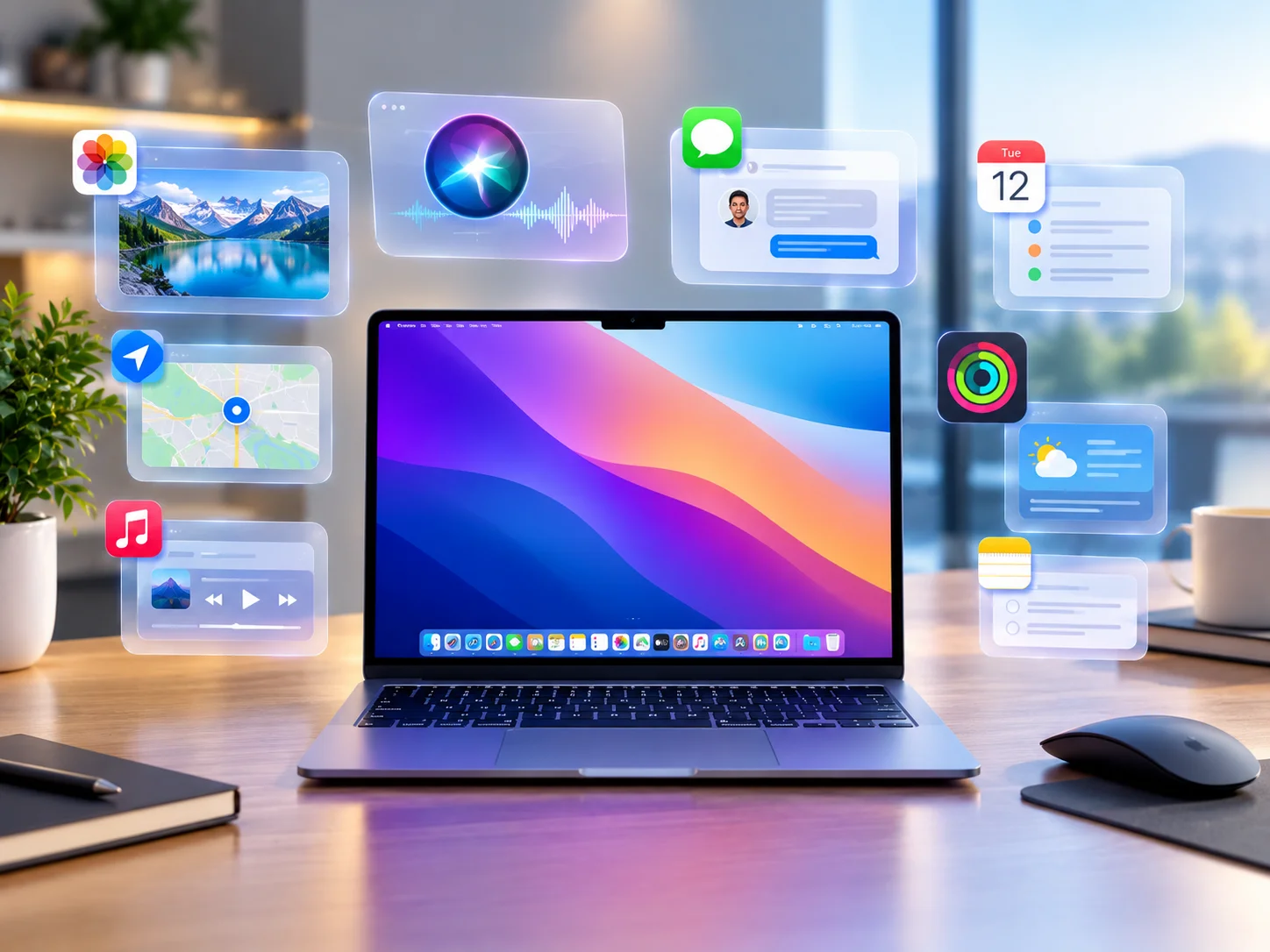
Apple’s macOS 27 Golden Gate brings one of the biggest collections of new features to the Mac in years. The update combines a refreshed Liquid Glass design with deeper Apple Intelligence integration and new tools designed to make everyday tasks faster and easier.
From a more capable Siri and Visual Intelligence to smarter Safari features, improved Photos editing, and new accessibility tools, macOS 27 introduces changes across many parts of the Mac experience.
Here are the 11 biggest macOS 27 features worth knowing.
1. A Smarter Siri With Apple Intelligence
Siri gets a major upgrade in macOS 27, becoming more capable and conversational.
The updated assistant can better understand the context of your requests, work with information across apps, and help perform certain tasks. Siri is also integrated more closely with Spotlight, while a dedicated Siri app provides a place to revisit previous conversations.
2. Visual Intelligence Comes to Mac
Apple brings Visual Intelligence to the Mac, allowing users to interact with content displayed on their screen. You can select onscreen content, including images and documents, and ask Siri to explain or analyze it. The feature can also help identify information and provide relevant actions.
A dedicated keyboard shortcut — Shift–Command–Space — makes Visual Intelligence quickly accessible.
3. Apple Intelligence Gets More Powerful
Apple Intelligence is becoming a bigger part of the macOS experience. macOS 27 expands AI-powered capabilities across Apple's apps, including writing assistance, image generation and editing, Photos tools, and automated actions. The goal is to make common tasks easier without requiring users to switch between multiple apps or services.
4. Liquid Glass Gets a Fresh Look
One of the most noticeable changes in macOS 27 is the updated Liquid Glass design. Apple has refined the interface with redesigned toolbars, sidebars, windows, and menu-bar elements. The company has also focused on improving readability and contrast.
Users can adjust the appearance of Liquid Glass with a new setting that provides more transparent or more tinted looks.
5. Photos Gets Smarter Editing Tools
The Photos app gains several new editing capabilities powered by Apple Intelligence. Features such as Spatial Reframing and Extend give users new ways to modify their pictures. Apple has also improved Clean Up, making it easier to remove unwanted objects and distractions from photos.
These tools are designed to make more advanced photo editing accessible directly within the Photos app.
6. Safari Adds Smarter Features
Safari receives several useful upgrades in macOS 27. The browser can organize tabs by topic, helping users manage large numbers of open webpages. A new Notify Me feature can also monitor webpages and alert users when certain information changes, such as product availability or prices.
Apple is also introducing Describe an Extension, which can help users create certain Safari extensions by describing what they want in natural language.
7. Create Shortcuts Using Natural Language
Creating automations becomes easier with macOS 27. The new Describe a Shortcut feature allows users to explain what they want a shortcut to accomplish using ordinary language. macOS can then help build the automation based on that description.
This could make Apple's Shortcuts app more approachable for people who have never created an automation before.
8. Mail Search Becomes More Useful
Apple is improving search in the Mail app. macOS 27 introduces a ranking system designed to place more relevant messages toward the top of search results. This can make it easier to find important emails without scrolling through a large number of unrelated messages.
For users with busy inboxes, the change could make everyday email management considerably easier.
9. More Child Safety and Parental Controls
Apple is expanding its collection of child safety and parental-control features in macOS 27. New tools include Ask to Browse, additional Communication Safety features, Time Allowances, and scheduling options.
These controls give parents more ways to manage how children use apps, websites, and other features on supported Apple devices.
10. Faster Everyday Mac Experiences
macOS 27 also includes a range of performance and usability improvements. Apple says users can expect improvements involving AirDrop transfers, network file browsing, and Safari's start page.
While these changes may not be as visually noticeable as Liquid Glass or Apple Intelligence, they are designed to make everyday Mac tasks feel faster and smoother.
11. Improved Accessibility Features
Accessibility receives several important updates in macOS 27. VoiceOver gains improved capabilities for understanding onscreen information. Apple is also introducing automatically generated, synchronized captions for videos.
Existing captions can also be translated into other languages, providing additional accessibility options for users who rely on captions.
What Makes macOS 27 Different?
macOS 27 is more than a visual redesign. Apple is combining its new Liquid Glass interface with Apple Intelligence and deeper system-wide integration.
The biggest changes are centered around:
Smarter Siri
Visual Intelligence
Expanded Apple Intelligence
Liquid Glass customization
Improved Photos editing
Smarter Safari
Natural-language Shortcuts
Better Mail search
Expanded parental controls
Performance improvements
New accessibility tools
For Mac users, macOS 27 represents Apple's broader push toward a more intelligent and personalized desktop experience while maintaining the familiar macOS foundation.


