
Back to all postsNews
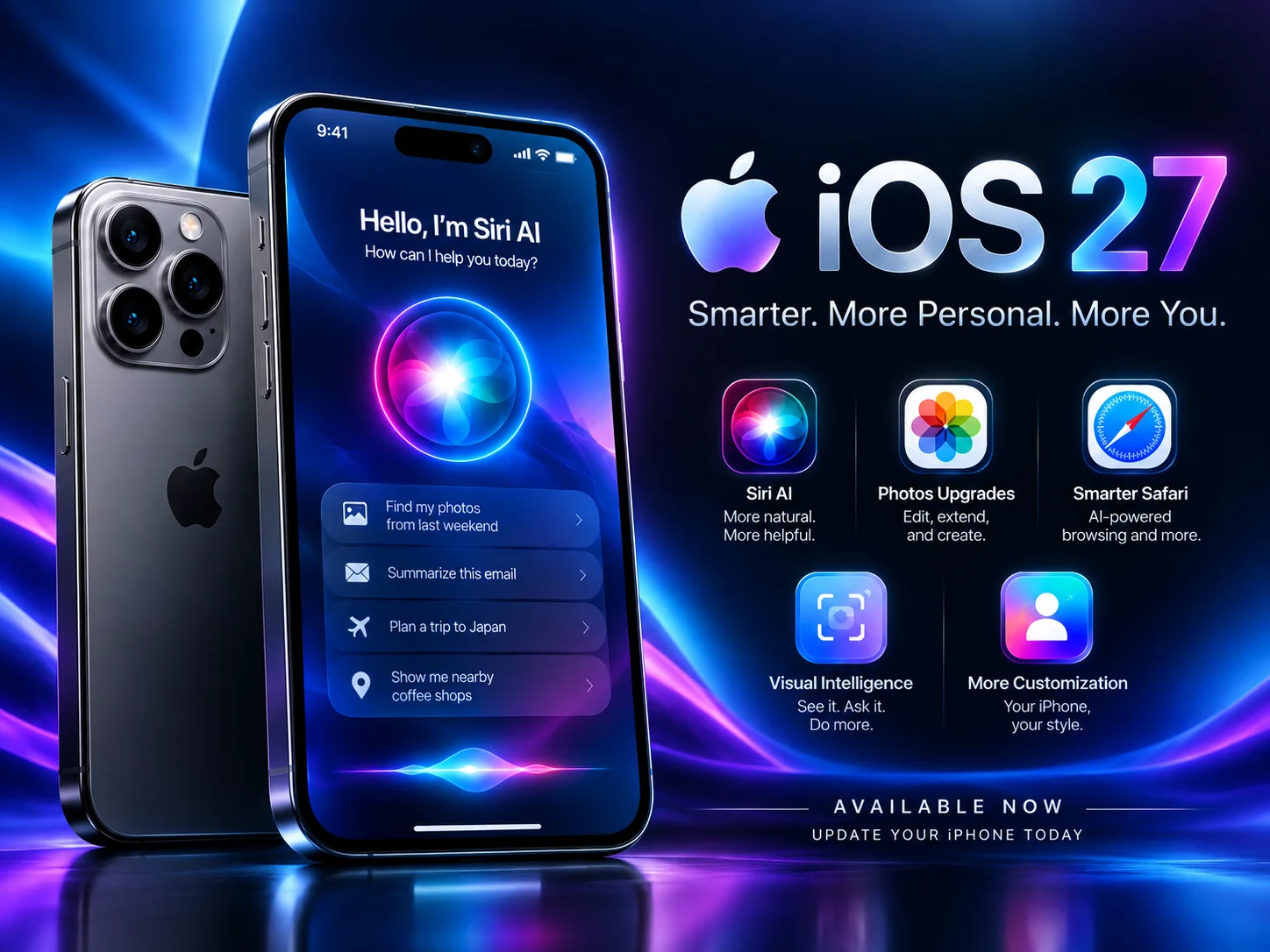
Apple has released iOS 27 with Siri AI
John
Apple has officially released iOS 27, its latest major software update for iPhone, bringing a significant focus on artificial intelligence, personalization and new ways to interact with the iPhone.
The update began rolling out on September 14, 2026, alongside Apple’s latest software updates for iPad, Mac, Apple Watch and Apple Vision Pro. One of the biggest additions is Siri AI, a redesigned version of Siri powered by the next generation of Apple Intelligence.
Siri AI Is the Biggest iOS 27 Feature
With iOS 27, Siri becomes more conversational and context-aware. Apple says Siri AI can understand personal context, recognize what is displayed on the screen and perform more actions across apps.
Siri AI can work with information from messages, emails, photos and other content to help users find information more naturally. It can also answer questions about what is currently displayed on the iPhone and access the web when up-to-date information is required.
Apple is initially rolling out Siri AI as a beta in English, with French, Japanese, Korean, Portuguese and Spanish support scheduled to arrive in October.
The company has also introduced a dedicated Siri app that can synchronize conversations privately across Apple devices through iCloud.
iOS 27 Adds More Apple Intelligence Features
Apple Intelligence isn't limited to Siri in iOS 27. Apple has expanded AI-powered capabilities across several of its apps.
The Photos app gets new editing tools, including Spatial Reframing, Extend and an upgraded Clean Up feature. Image Playground also gains the ability to create higher-quality images in a wider range of styles.
Safari receives several AI-powered improvements as well. The browser can organize tabs into topics, notify users when websites change — such as when a product comes back in stock or a price drops — and help create custom extensions from a description.
More Control Over the iPhone Interface
iOS 27 also introduces several interface and customization changes. Users can adjust the opacity of Apple's Liquid Glass interface, while updated app icons and larger widget options give the Home Screen and Lock Screen more customization flexibility.
Apple has also added additional Lock Screen customization options, including greater control over the appearance of the clock.
New Safety Features for Children
Apple is also expanding parental controls with iOS 27.
The updated Screen Time experience gives parents a clearer overview of how children use their devices. New Time Allowances can help manage categories such as social media, entertainment and games.
Apple has also introduced Ask to Browse, which allows parents to approve a child's access to new websites in Safari. Communication Safety has been expanded to detect and block additional types of harmful content, including graphic and violent material in shared images and videos.
Which iPhones Support iOS 27?
iOS 27 is available for a broad range of iPhone models, with some of the newest Apple Intelligence features requiring newer hardware.
Apple says Apple Intelligence and Siri AI are supported on iPhone 16 models and later, as well as the iPhone 15 Pro and iPhone 15 Pro Max, along with compatible iPad and Mac hardware.
Not every iOS 27 feature is available on every iPhone, and availability can vary by language, region and device.
iOS 27 Is More Than Just an AI Update
While Siri AI is the headline feature, iOS 27 represents a broader update to the iPhone experience. Apple has combined its new AI capabilities with interface customization, improved Safari and Photos tools, stronger parental controls and numerous smaller system improvements.
For iPhone users with compatible devices, iOS 27 is now available as a free software update through the iPhone's Software Update settings.
With Apple making Siri AI a central part of the operating system, iOS 27 marks another major step toward making artificial intelligence a more deeply integrated part of everyday iPhone use.
We may earn a commission from purchases through this link.
Interested in learning more?
Check out our recommended resource for this product.
Visit Resource

