
Back to all postsNews
Apple Introduces New Child Safety Features With iOS 27 and macOS 27
John
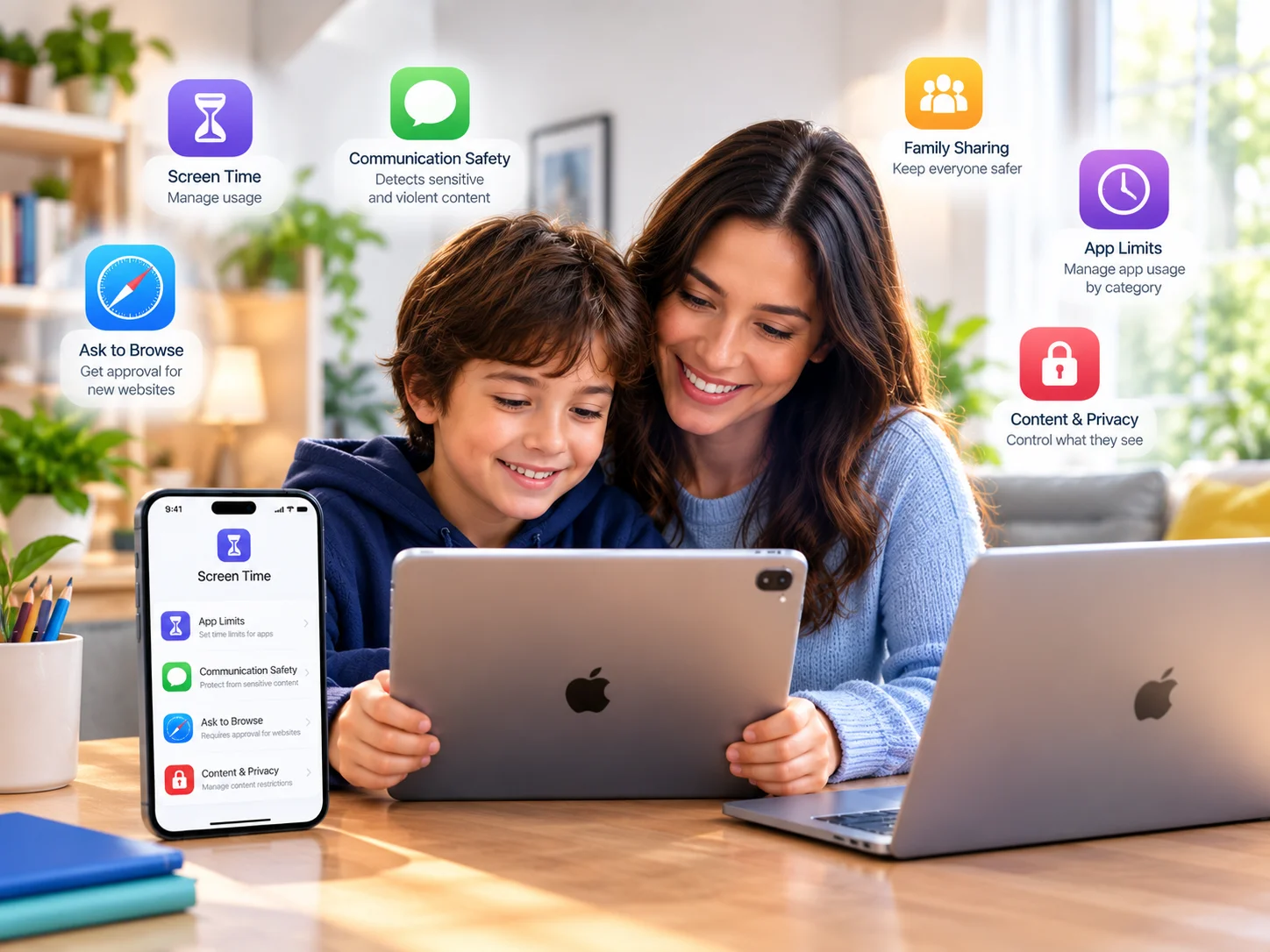
Apple’s latest child safety features are now available with iOS 27, iPadOS 27, and macOS 27, bringing new tools to help parents create safer digital experiences for children. The update includes a redesigned Screen Time experience, website approval controls, expanded Communication Safety protections, and new time-management features.
New Tools Give Parents More Control
Apple has introduced several new features that make it easier for parents to manage their children’s devices.
Ask to Browse
One of the biggest additions is Ask to Browse. Parents can require their children to get approval before visiting a new website through Safari.
The feature works across iPhone, iPad, and Mac, giving parents another way to manage web access without completely blocking Safari.
Expanded Communication Safety
Apple is also expanding Communication Safety. Previously designed to help protect children from potentially sensitive images, the feature now also detects and intervenes when shared images or videos contain gore or violent content.
Apple says the protection can also work during live FaceTime calls.
Time Allowances for Apps
Parents can now set daily time allowances for categories such as Social Media, Entertainment, and Games.
Apple says the feature provides age-tailored guidance informed by child-development and health experts, giving parents a starting point for managing how much time children spend in different types of apps.
Redesigned Screen Time
Apple has redesigned Screen Time to make parental controls easier to understand and manage.
Parents can see an at-a-glance overview of their child's average device usage and most-used apps. They can also adjust access quickly and create schedules for when particular apps are available.
Simpler Setup for Child Accounts
Apple has also introduced a simpler setup experience for child accounts. Parents can choose which apps children can access when setting up a device and gradually add additional apps as needed.
The company says these tools are designed around guidance from online safety and health experts, including the American Academy of Pediatrics.
How to Get the New Child Safety Features
The new features are available through the latest software updates:
iPhone: iOS 27
iPad: iPadOS 27
Mac: macOS 27
Other devices in a Family Sharing group may also need their latest software updates for the Screen Time changes to work properly.
Some features may vary depending on the region, language, and device model.
Why It Matters
Apple's latest update gives parents more control over websites, apps, communications, sensitive content, and screen time without requiring them to manage every aspect of a child's device manually.
With Ask to Browse, expanded Communication Safety, Time Allowances, and the redesigned Screen Time experience, Apple's latest software updates add several new layers to its existing parental-control system.
For families using Apple devices, these features provide new options for setting age-appropriate boundaries while allowing children to gradually gain more independence.


