
Back to all postsNews
iOS 27.2 Beta 2 Released: Here’s What’s New for iPhone Users
John
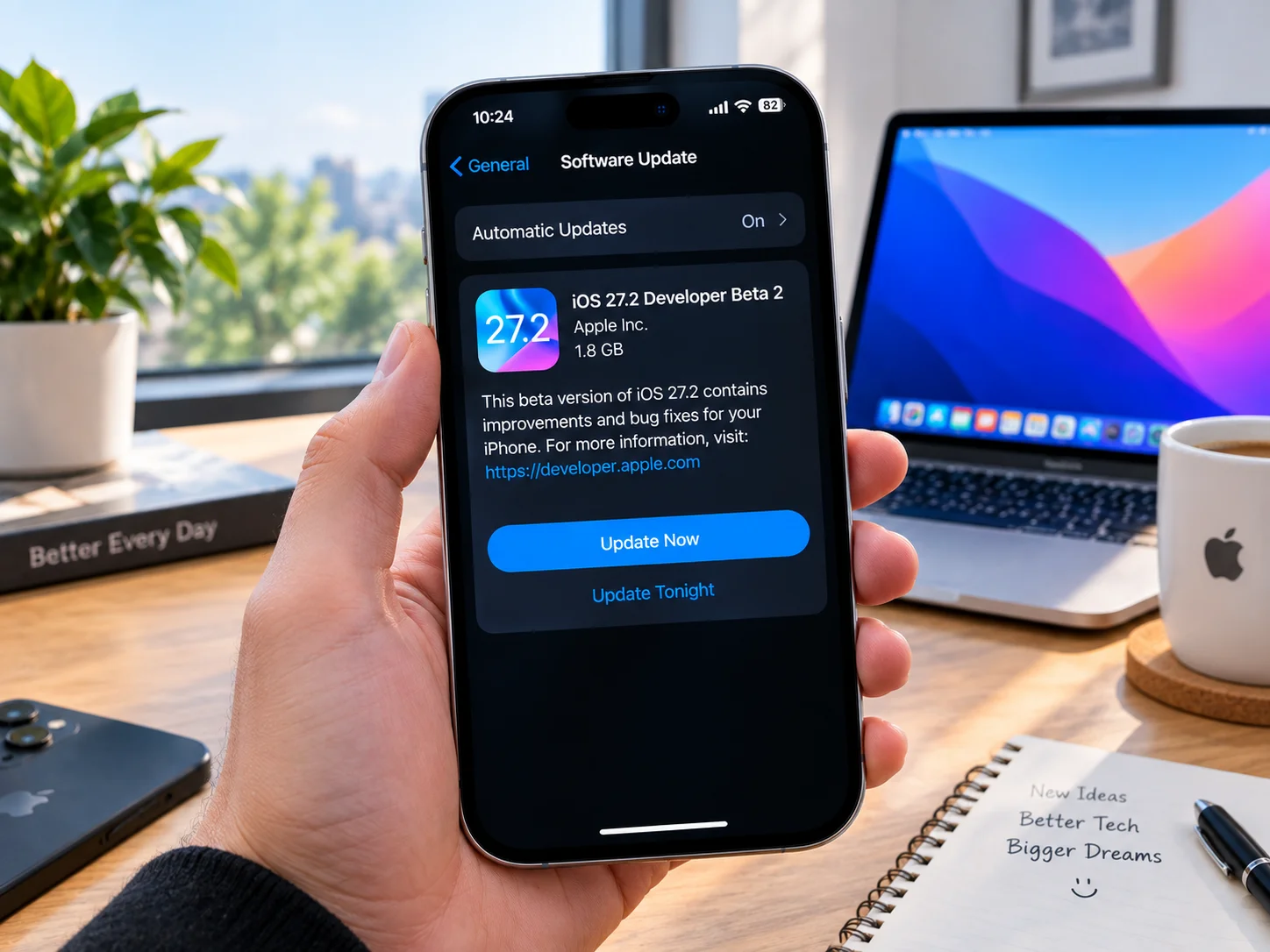
Apple has released the second developer beta of iOS 27.2, giving developers another opportunity to test the upcoming iPhone software update ahead of its public release.
The new beta follows the first iOS 27.2 developer beta and focuses on continued testing, bug fixes, performance improvements, and several features Apple is preparing for the next stage of iOS 27. The second beta is available through Apple's developer beta program for compatible iPhone models.
What's New in iOS 27.2 Beta 2?
While Beta 2 does not appear to introduce a major redesign, Apple is continuing to refine features introduced during the iOS 27.2 testing cycle. One of the most notable areas is Apple's redesigned Health app, which brings a refreshed experience for viewing health information and introduces additional features designed to help users better understand their health data.
Apple is also testing expanded language support for its next-generation Siri AI features. The latest beta cycle adds support for additional languages, including French, Japanese, Korean, Portuguese, and Spanish.
FaceTime Gets a New Camera Feature
iOS 27.2 also introduces Dual Capture for Group FaceTime on supported iPhone models. The feature allows users to capture video using both the front and rear cameras at the same time, potentially making FaceTime calls more interactive. Apple is expected to continue refining the feature during the beta-testing process.
More Changes Coming to Apple Apps
The iOS 27.2 beta also includes updates to several Apple apps and services. The Apple TV app is being prepared to support profiles on iPhone, while Apple Podcasts is receiving changes to its Up Next experience. Apple Music is also getting smaller interface and usability improvements. These changes are part of Apple's broader effort to refine the iOS experience following the launch of iOS 27.
How to Install iOS 27.2 Beta 2
Developers enrolled in Apple's beta program can check for the latest update directly from their iPhone:
Open Settings.
Tap General.
Select Software Update.
Tap Beta Updates.
Choose iOS 27 Developer Beta.
Return to the Software Update screen.
Download and install the available iOS 27.2 beta.
Because this is pre-release software, users may encounter bugs, app compatibility problems, battery-life changes, or other issues. It is generally better to install developer betas on a secondary device rather than a primary iPhone.
When Will iOS 27.2 Be Released?
Apple has not announced an official public release date for iOS 27.2. The company is expected to release additional beta versions before the update is finalized. Apple will use the upcoming testing period to improve stability, fix reported problems, and refine new features before iOS 27.2 reaches all supported iPhone users.
For now, the second beta provides developers with an early look at Apple's next major iOS update and gives Apple additional time to polish the software before its eventual public release.


