
Back to all postsAirPods
Lost Your AirPods? Here’s How to Find Them With Find My
John
Losing your AirPods can be frustrating, but Apple's Find My app can help you locate them, play a sound, and, on supported models, find their location more precisely.
The feature works with AirPods, AirPods Pro, and AirPods Max. Depending on the model, Find My can show your AirPods on a map, provide directions, play a sound, or help you locate them when they're nearby.
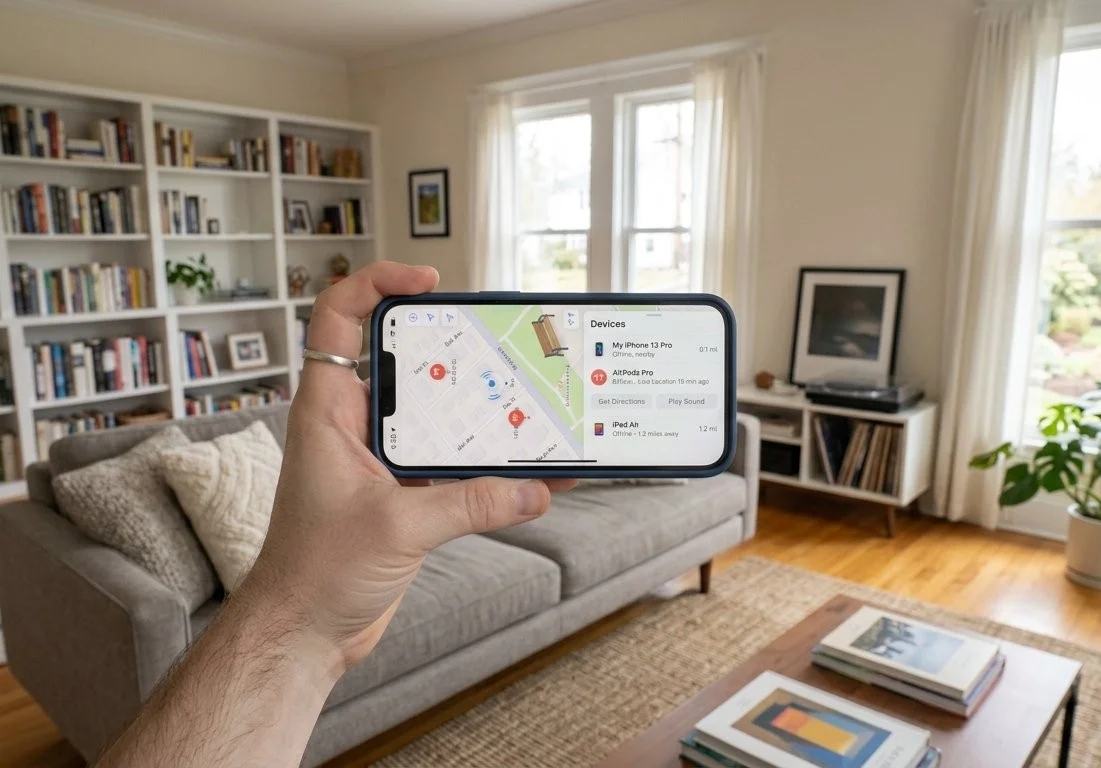
How to Find Your AirPods on a Map
If you can't remember where you left your AirPods, start with the Find My app.
Open the Find My app on your iPhone.
Tap Devices.
Select your AirPods.
Check the location shown on the map.
If your AirPods aren't nearby, tap Get Directions to open their location in Apple Maps.
For some AirPods models, you can see the location of the individual earbuds and charging case separately. Apple currently lists AirPods 4 with ANC, AirPods 5 with Wireless Charging Case, AirPods Pro 2, and AirPods Pro 3 among the models with this capability.
How to Play a Sound on Lost AirPods
If your AirPods are somewhere nearby, playing a sound can make them much easier to find.
Open Find My.
Tap Devices.
Select your AirPods.
Tap Play Sound.
Follow the sound until you locate them.
The AirPods will play a series of sounds to help you pinpoint their location. On supported models, you can also play a sound from the charging case.
How to Find AirPods When They're Nearby
Some AirPods and iPhone combinations support a Find Nearby option that can help you locate AirPods when you're close to them. Open Find My, select your AirPods, and look for the nearby-finding option when it is available. Follow the on-screen instructions as you move around the area. The exact options available depend on your AirPods model and device.
What If Your AirPods Are Not Showing Their Current Location?
If Find My can't locate your AirPods right now, the app may show their last known location instead.
If the AirPods reconnect to the Find My network, their location can update. Apple also recommends turning on relevant Find My features in advance so your devices are better prepared if they're lost.
How to Find AirPods From Another Apple Device
You don't have to use your iPhone. Depending on your setup, you can also use Find My on an iPad, Mac, or Apple Watch. You can also sign in to iCloud.com/find and select your AirPods. Apple notes that some Find My features vary depending on the device and AirPods model.
How to Avoid Losing Your AirPods Again
Once you find your AirPods, consider enabling separation alerts. Find My can notify you when you leave supported AirPods behind.
To check your settings:
Open Find My.
Tap Devices.
Select your AirPods.
Look for the available notification or separation-alert settings.
Turn on the option if supported.


